'%3e%3cpath%20fill='%230CCF60'%20d='M158.25%20175.542c0-29.271%2023.729-53%2053-53h131.375c29.271%200%2053%2023.729%2053%2053v131.023c0%2029.271-23.729%2053-53%2053H211.25c-29.271%200-53-23.729-53-53V175.542Z'/%3e%3cpath%20fill='%23D2DE75'%20d='M158.25%20452.518c0-29.271%2023.729-53%2053-53h131.375c29.271%200%2053%2023.729%2053%2053v131.024c0%2029.271-23.729%2053-53%2053H211.25c-29.271%200-53-23.729-53-53V452.518Z'/%3e%3cpath%20fill='%2315B66A'%20d='M434.875%20175.542c0-29.271%2023.729-53%2053-53H619.25c29.271%200%2053%2023.729%2053%2053v131.023c0%2029.271-23.729%2053-53%2053H487.875c-29.271%200-53-23.729-53-53V175.542Z'/%3e%3cpath%20fill='%23E7A95D'%20d='M434.875%20452.518c0-29.271%2023.729-53%2053-53H619.25c29.271%200%2053%2023.729%2053%2053v131.024c0%2029.271-23.729%2053-53%2053H487.875c-29.271%200-53-23.729-53-53V452.518Z'/%3e%3cpath%20fill='url(%23b)'%20d='M728.088%20123.584C586.142%2039.806%209.186-194.997%204.001%20342.299c-.08%208.242%206.658%2015.349%2014.9%2015.322l81.72-.262c8.736-.028%2015.536-8.148%2015.058-16.87-31.398-572.572%20754.324-133.144%20612.409-216.905Z'/%3e%3c/g%3e%3cdefs%3e%3clinearGradient%20id='b'%20x1='34.575'%20x2='673.419'%20y1='229.473'%20y2='-93.138'%20gradientUnits='userSpaceOnUse'%3e%3cstop%20stop-color='%2328E77B'/%3e%3cstop%20offset='1'%20stop-color='%2315B66A'/%3e%3c/linearGradient%3e%3cfilter%20id='a'%20width='749.251'%20height='644.542'%20x='0'%20y='0'%20color-interpolation-filters='sRGB'%20filterUnits='userSpaceOnUse'%3e%3cfeFlood%20flood-opacity='0'%20result='BackgroundImageFix'/%3e%3cfeColorMatrix%20in='SourceAlpha'%20result='hardAlpha'%20values='0%200%200%200%200%200%200%200%200%200%200%200%200%200%200%200%200%200%20127%200'/%3e%3cfeOffset%20dy='4'/%3e%3cfeGaussianBlur%20stdDeviation='2'/%3e%3cfeComposite%20in2='hardAlpha'%20operator='out'/%3e%3cfeColorMatrix%20values='0%200%200%200%200%200%200%200%200%200%200%200%200%200%200%200%200%200%200.25%200'/%3e%3cfeBlend%20in2='BackgroundImageFix'%20result='effect1_dropShadow_23_251'/%3e%3cfeBlend%20in='SourceGraphic'%20in2='effect1_dropShadow_23_251'%20result='shape'/%3e%3c/filter%3e%3c/defs%3e%3c/svg%3e)



About Figma
Learn more about this application's features and capabilities.
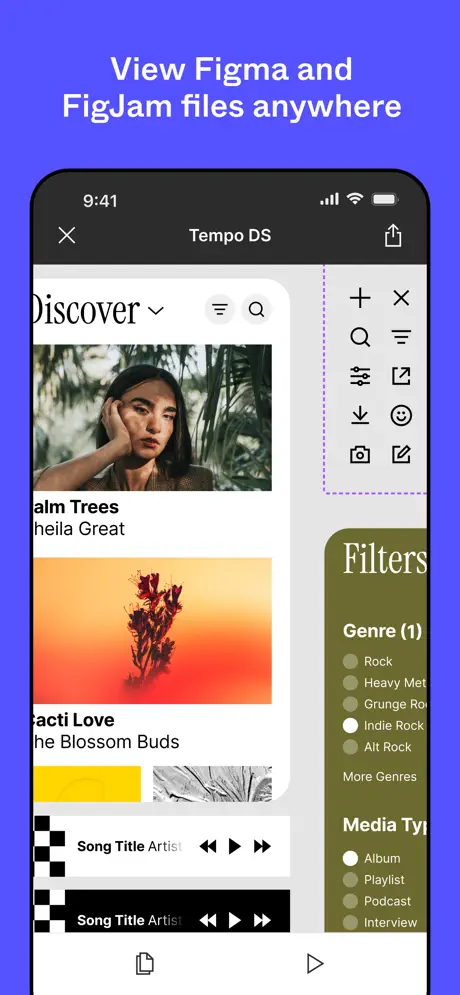
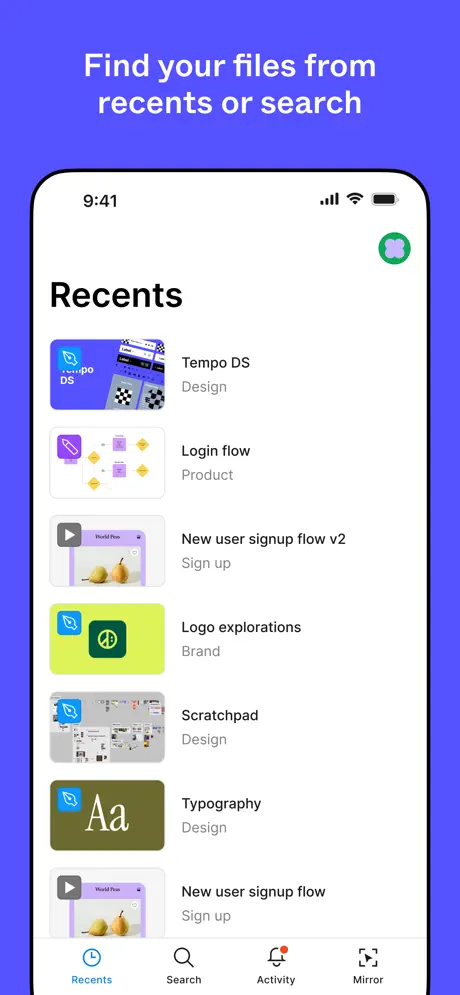
Figma is a professional-grade design software built for teams to collaborate on interface design, prototyping, and vector graphics in real time. This platform serves UI/UX designers, product managers, and developers by solving the friction of version control and static handoffs common in traditional design tools. By operating primarily in the cloud, it enables multiple stakeholders to view, edit, and comment on projects simultaneously from any operating system.
Key Features
- Real-time Collaboration: Multiple users can work on the same file at once, with live cursors showing teammate activity.
- Vector Networks: Advanced pen tool functionality that allows for more complex path manipulation without breaking connections.
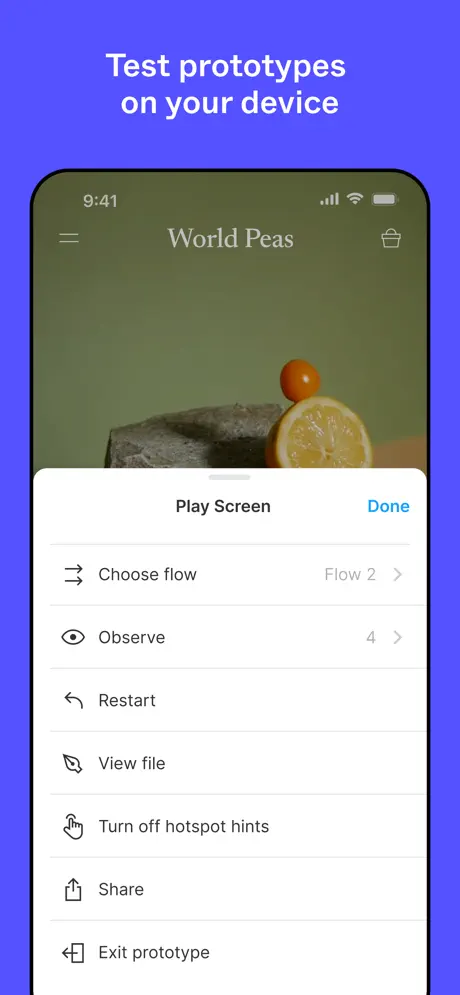
- Interactive Prototyping: Create high-fidelity prototypes with smart-animate transitions to simulate actual user experiences.
- Auto Layout: A responsive design tool that automatically adjusts components as text or layouts change.
- Developer Handoff: Inspect code snippets, export assets, and measure distances directly from the design files.
Use Cases
- UI/UX Design: Building comprehensive design systems and high-fidelity mockups for mobile and web applications.
- Wireframing: Mapping out the basic structure and user flow of a digital product during the early discovery phase.
- Feedback Loops: Using the commenting system to gather stakeholder approvals and design critiques directly on specific elements.
- Icon Creation: Designing scalable vector assets and icon sets with precise control over nodes and paths.
Why Choose Figma
This tool has become the industry standard because it eliminates the need for separate file-sharing services or specialized hardware. The primary benefit of using Figma is its cross-platform accessibility and the "single source of truth" it provides for entire product teams. It significantly reduces the time between design ideation and developer implementation by keeping all assets and documentation in one live environment.
Pros and Cons
Pros
- Seamless cloud syncing removes the need for manual saving or local storage.
- Extensive community plugin library to extend the software's core capabilities.
- Robust free tier for individual designers and small projects.
Cons
- Requires a stable internet connection for most collaborative features.
- Performance can occasionally lag on extremely large files with hundreds of layers.
Final Verdict
Figma is a versatile and powerful design platform that excels in fostering team transparency and creative efficiency. It remains the top choice for modern product teams looking for a scalable, cloud-first solution to bridge the gap between design and development.
Ratings & Reviews
Please log in to write a review.
No reviews yet. Be the first to rate!