

About Free AI Video
Learn more about this application's features and capabilities.
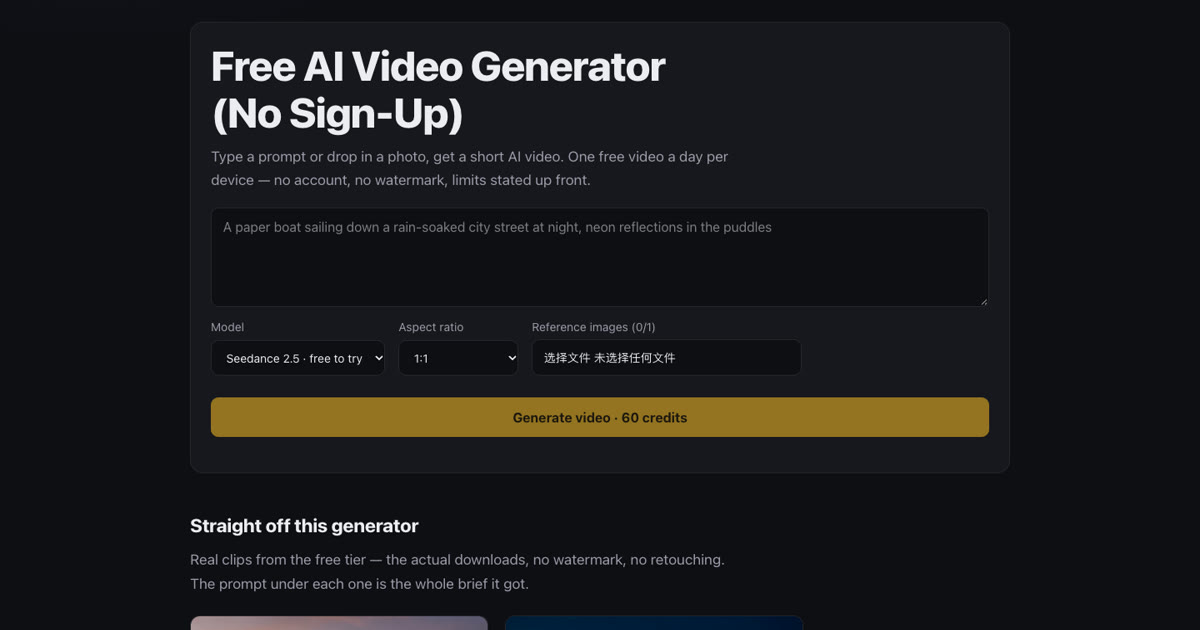
Free AI Video is a browser-based tool for making short Seedance 2.5 videos from a written prompt or a reference photo. It offers two starting points: describe a scene in words, or use a photo as the visual reference and describe the motion you want. The product is designed around short individual shots rather than a complete edited film.
A limited daily trial lets a visitor request a 4-second, 480p clip without creating an account. The daily trial is subject to device, network and availability limits, and is shared across signed-in and unsigned use on the same device. An accepted free request consumes that trial even if generation fails or is cancelled. The site does not promise unlimited free renders. Eligible new verified accounts may also receive a registration trial voucher under the current conditions shown on the site.
The site adds no watermark to a downloaded video. Generated imagery can still contain unexpected text, visual artifacts or details that need checking. Before publishing a result, review the full clip for changes to the subject, background geometry and motion. A person using a reference photo should have permission to use the source image and should consider any rights or consent needed for the final use.
Optional credit-paid generation produces 10-second, 720p clips. Credits are available through one-time packs, starting with 100 credits for $4.99. The current packs have no expiry and do not require a subscription. Failed credit-paid generations return credits under the product's current rules. The live pricing and terms should be checked before making a purchase.
Possible workflows include testing an idea for a short visual, adding motion to an owned product photo, or preparing one shot for a separate editing project. These are suggested uses, not a guarantee that a particular prompt will produce a particular result. Longer sequences, captions, narration, music and final assembly can be planned as separate editing work.
For a first test, choose one subject, one simple action and one camera instruction. Keep the frame and subject stable while changing one motion instruction at a time in later tests. That makes it easier to compare results. Prepare the input before submitting a limited trial request and check the downloaded clip before sharing it. Product details in this description were checked on 5 November 2026; availability, pricing and eligibility remain governed by the live product page.
Ratings & Reviews
Please log in to write a review.
No reviews yet. Be the first to rate!