

About StyleSVG
Learn more about this application's features and capabilities.
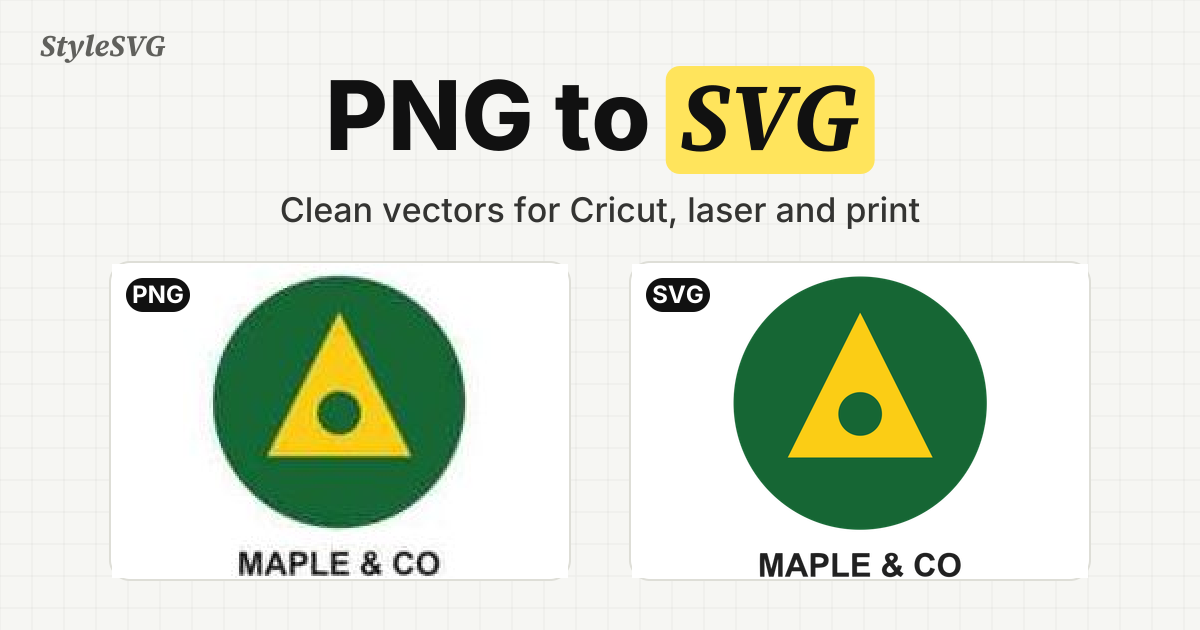
StyleSVG is an online image vectorizer and collection of browser-based SVG tools for makers, designers, print shops, and people preparing artwork for physical projects. Its AI conversion workflow takes a raster image and turns it into editable vector artwork. Supported image inputs include PNG, JPG, WebP, and GIF. A person can start with an image, choose a preset for the intended use, inspect a preview, and make adjustments before obtaining a clean output. The product is especially relevant when artwork needs to scale cleanly or be prepared for cutting, engraving, embroidery, or printing.
The main workflow begins with an image upload. StyleSVG offers presets associated with Cricut cutting, laser engraving, print, and embroidery. Choosing a preset lets the user work toward the output type they actually need rather than treat every vector conversion as identical. The initial AI preview is watermarked. It gives the user a way to inspect the traced artwork before deciding whether to unlock the clean file. The preview is a useful checkpoint for checking whether the source image and chosen preset are a good fit.
Once the vector result is ready, users can adjust colors and remove backgrounds. Those controls can help refine an image that will be used for a sticker, cutting design, logo, or printed item. A clean conversion can be exported in SVG, PNG, PDF, EPS, or DXF formats after the result is unlocked. The choice of format depends on the next step: SVG is useful for editable scalable artwork, while other formats can fit different design, fabrication, or sharing workflows. StyleSVG is a vector conversion tool with related editing options, not a substitute for checking the finished file in the equipment or software used for production.
There is a free, watermarked AI preview for guests, subject to a daily limit. Signing in with Google adds one free conversion per account. Clean AI conversion downloads require an unlocked result, and the site offers paid access for that purpose. This distinction helps visitors understand what they can try before paying and what requires a purchase. Separately, StyleSVG includes browser-based utilities that can be used without an account. Those free tools support tasks such as viewing, editing, optimizing, resizing, and converting SVG files.
The broader tool collection serves makers who need more than a single raster-to-vector step. It includes utilities related to embroidery files, sticker outlines, QR codes, halftones, and laser-cut boxes. Someone preparing artwork for a craft project might start by vectorizing an image, then use an SVG utility to inspect or refine a file. Another user may only need an existing SVG resized or optimized. The free browser tools give those narrower tasks their own entry points, without requiring the user to begin an AI conversion every time.
StyleSVG can be useful for turning a logo or illustration into scalable artwork, testing whether an image can become a cuttable design, or preparing vector material for engraving and print. The site supports both English and Chinese pages. Its combination of watermarked preview, color and background controls, export choices, and separate SVG utilities helps users evaluate a result and choose the appropriate workflow. Final suitability still depends on the source image and the requirements of the intended machine, print process, or editing application.
Ratings & Reviews
Please log in to write a review.
No reviews yet. Be the first to rate!